 Image Editing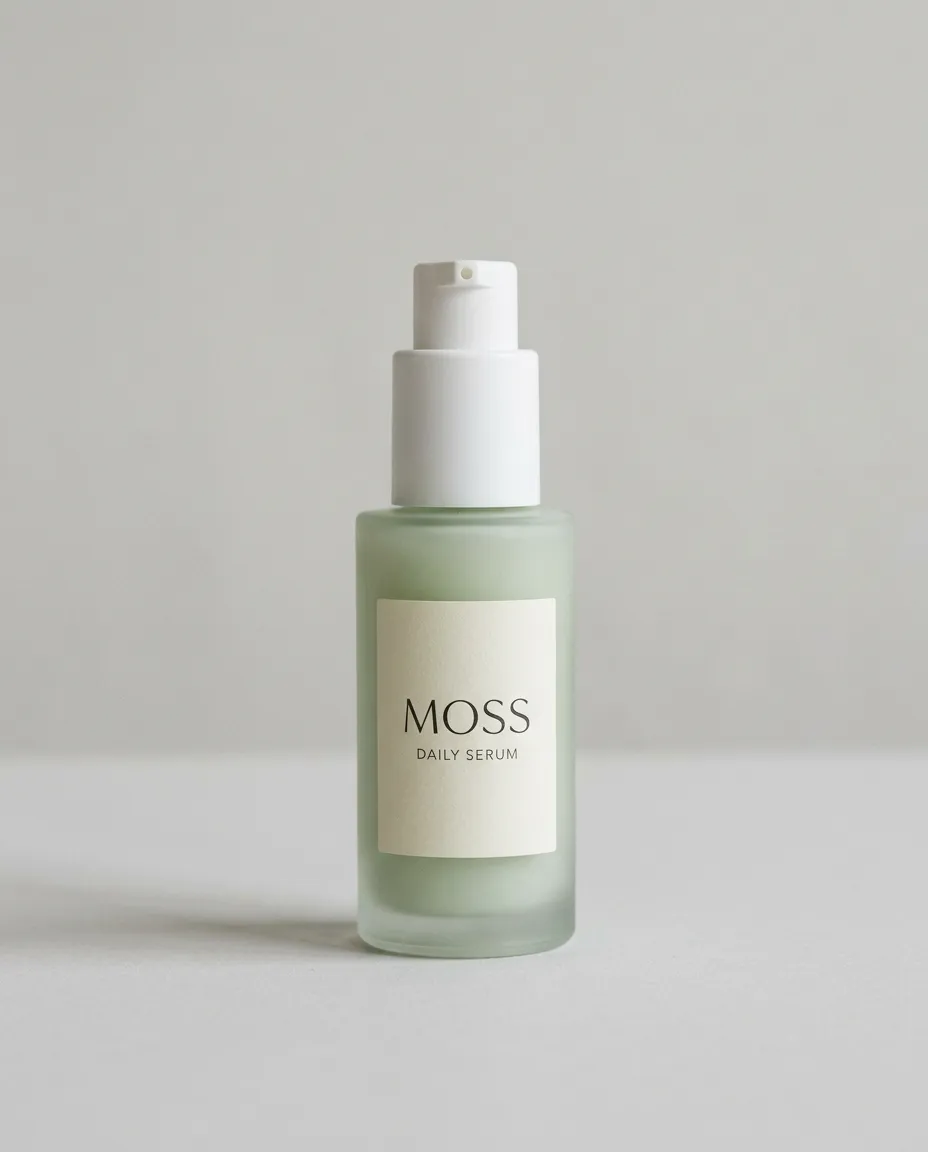
1K4:5
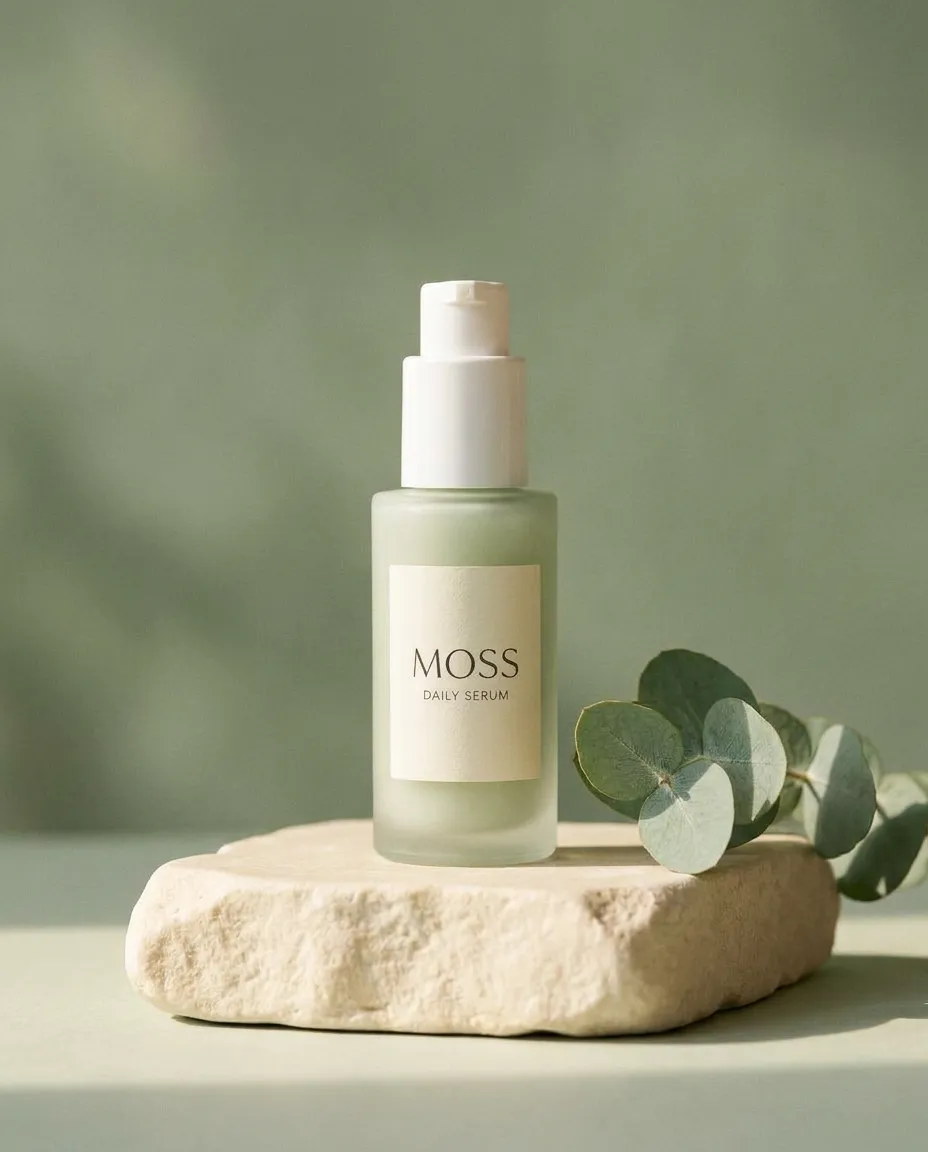
Skincare Product Background Edit
See how a product photo moves into a premium campaign setting while preserving the bottle and its label.
Nano Banana 2.1 is Google’s AI image model for text-to-image generation and photo editing with reference images and up to 4K output.
Studio Preview
Text to Image · 1K · 4:5
Load its prompt and settings, then make them your own.
Independent third-party tool. Not affiliated with Google or Google DeepMind.
About the model
Learn what Nano Banana 2.1 is, how it relates to Google’s Gemini image models, and where it fits in the Nano Banana model family.
Nano Banana 2.1 is an update to Nano Banana 2, designed for image generation and conversational editing. It improves visual quality, prompt adherence, text rendering, and consistency across multi-step edits while maintaining a focus on speed and efficiency.
Text prompts can define a new scene, while reference images help guide subjects, products, and visual style. For edits, describe the change and specify which details should stay the same.
Skincare Product Background Edit
1K · 4:5
01 / Inspiration
Explore Nano Banana 2.1 image generation and editing results, with prompts and reference images that show how each example was created.
Image EditingSee how a product photo moves into a premium campaign setting while preserving the bottle and its label.
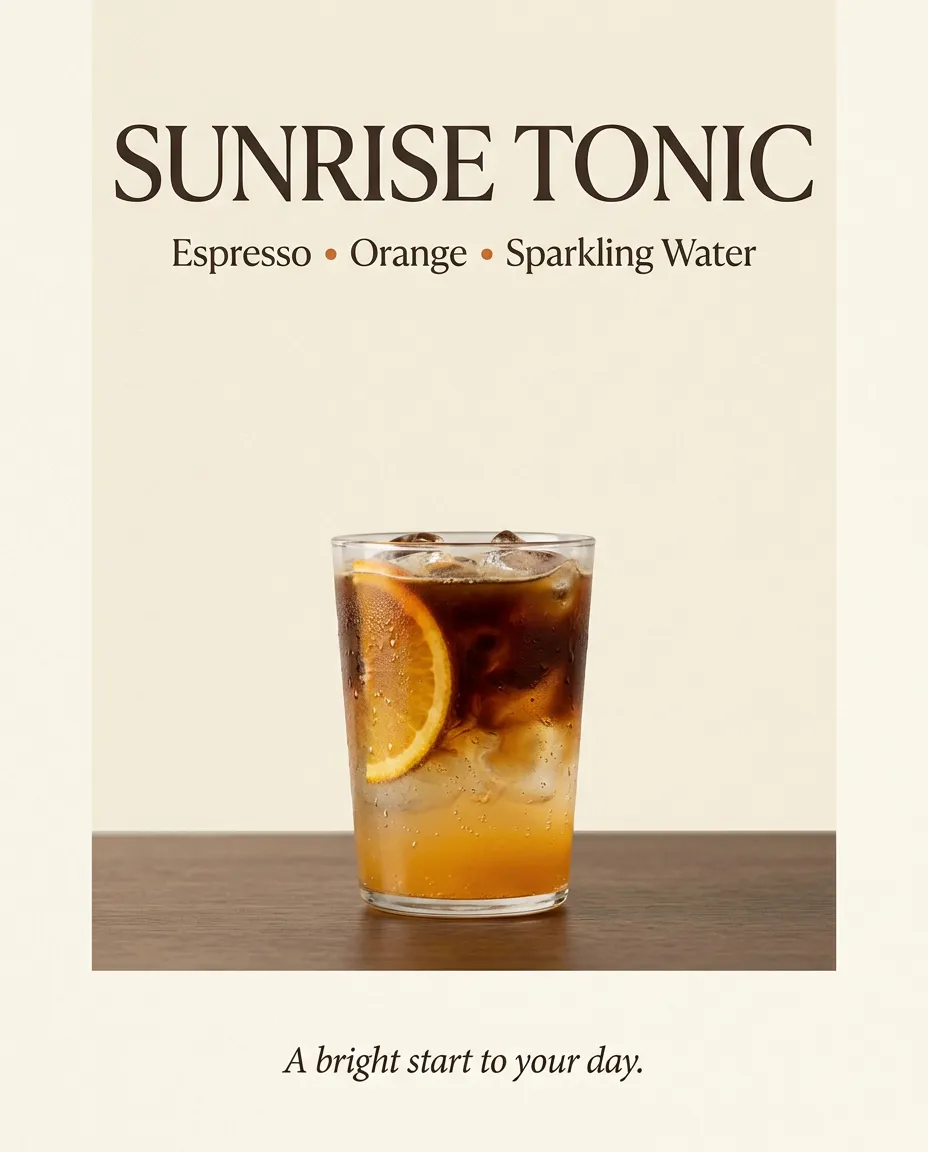
Text to ImageInspect the headline, supporting text, drink details, and spacing in a cafe promotion.
 Text to Image
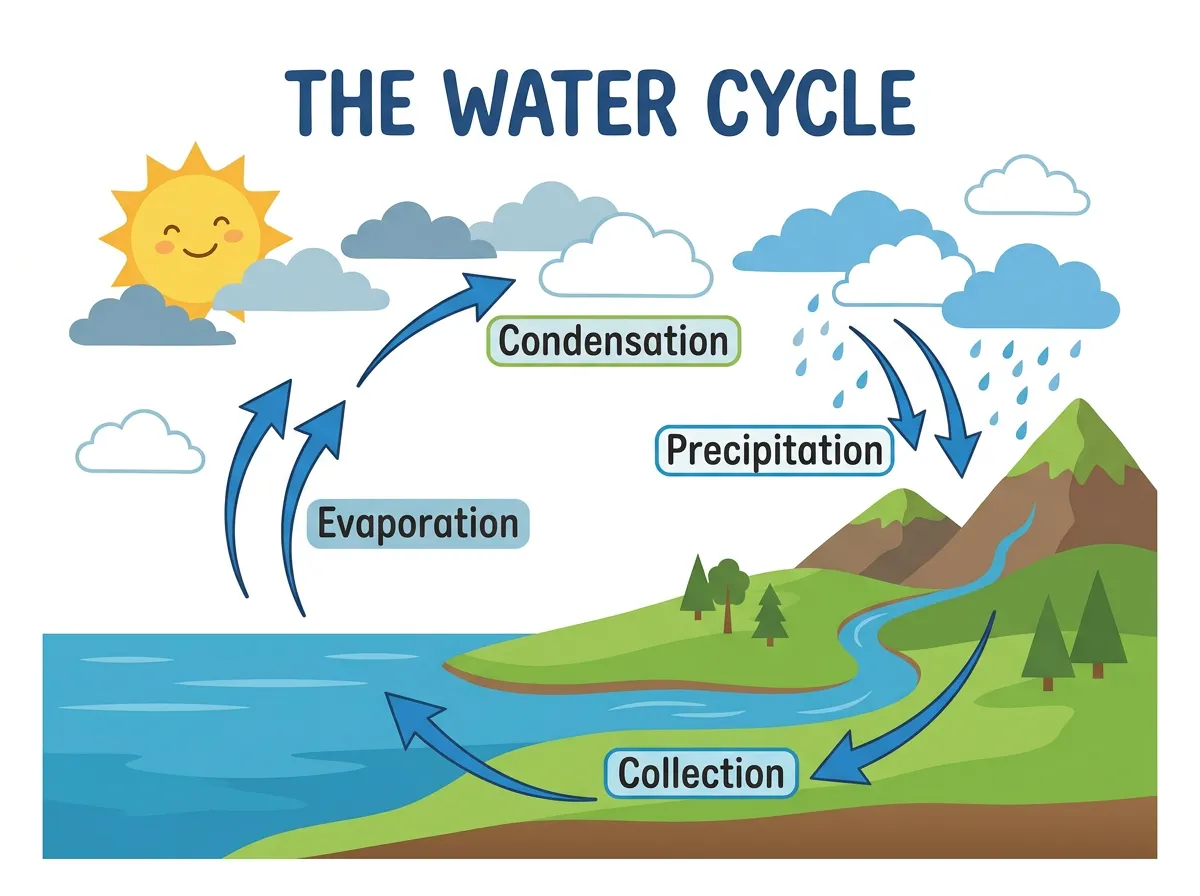
Review a teaching diagram with labeled processes, directional arrows, and a clear reading order.
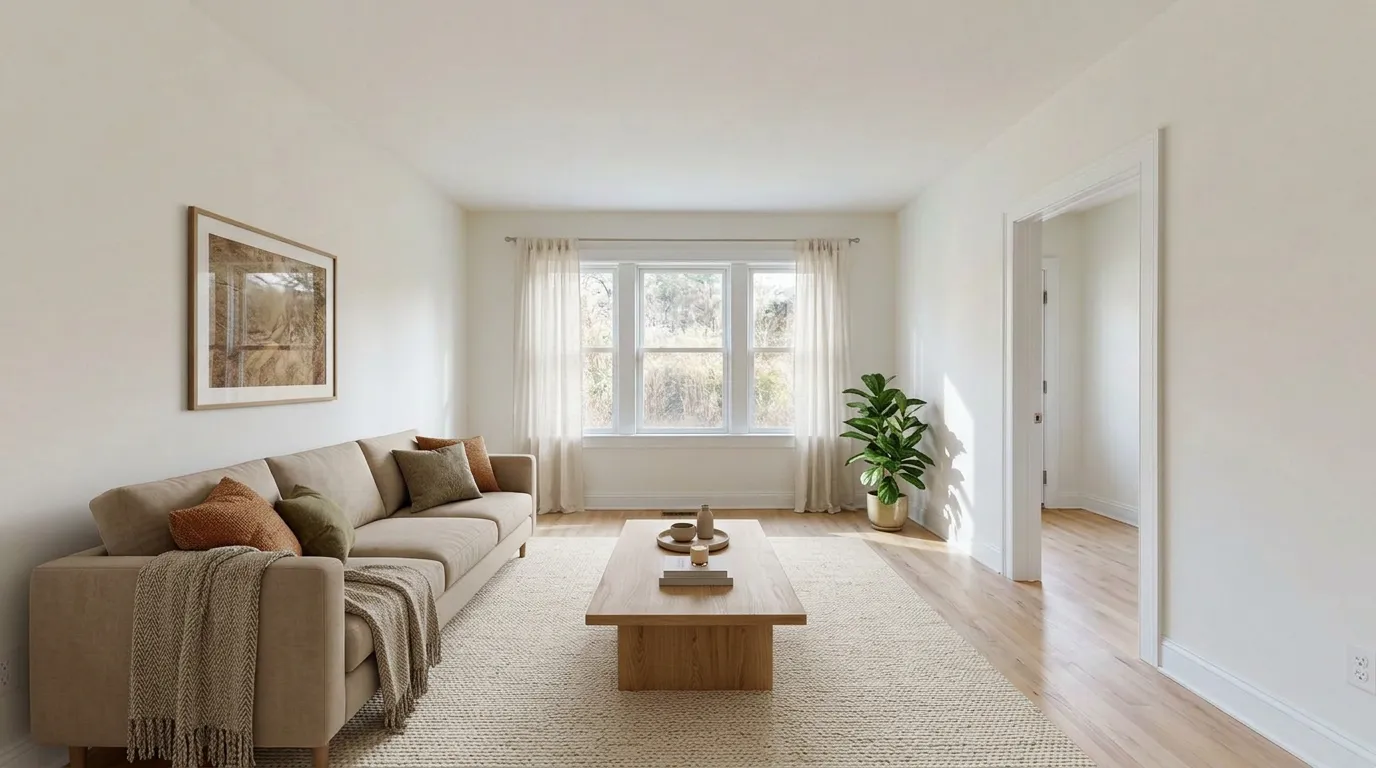 Image Editing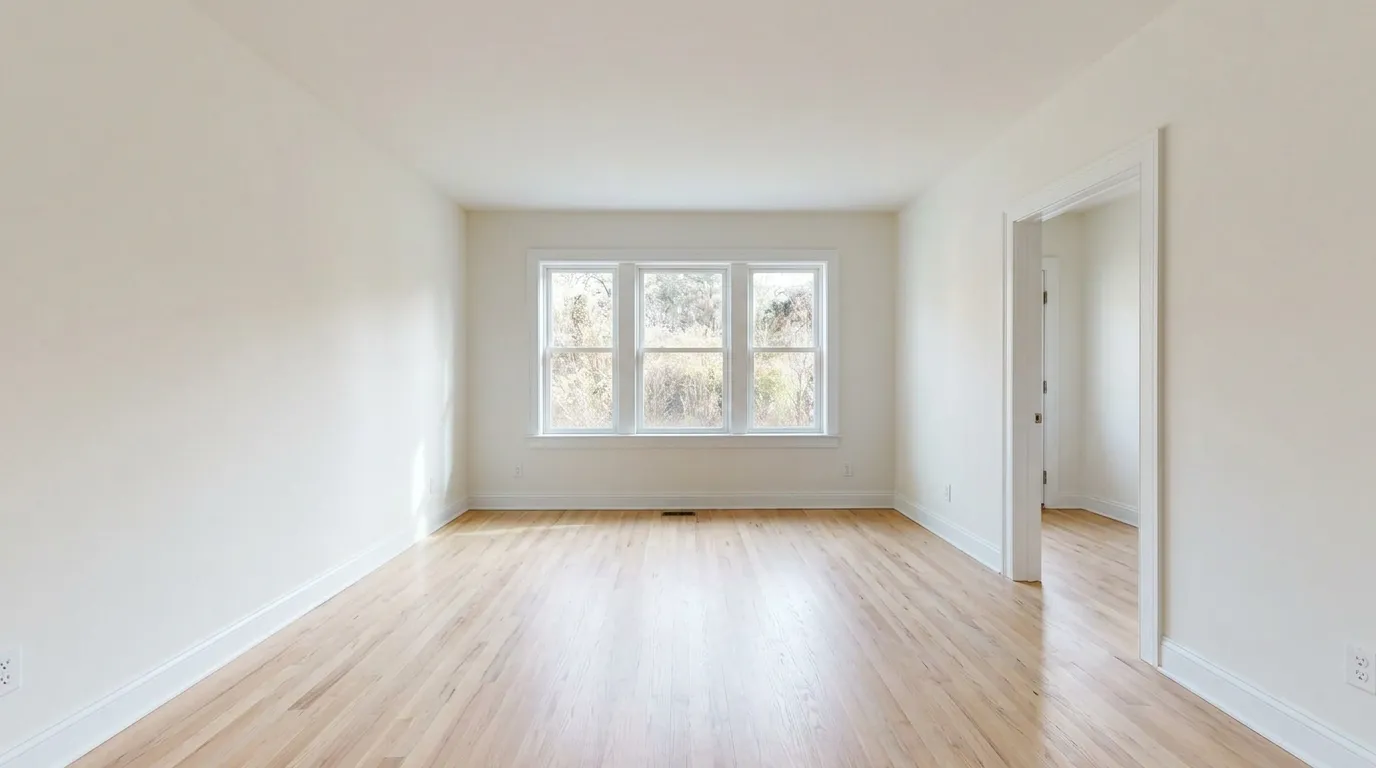
Compare an empty room with a furnished result that keeps its architecture and camera angle.
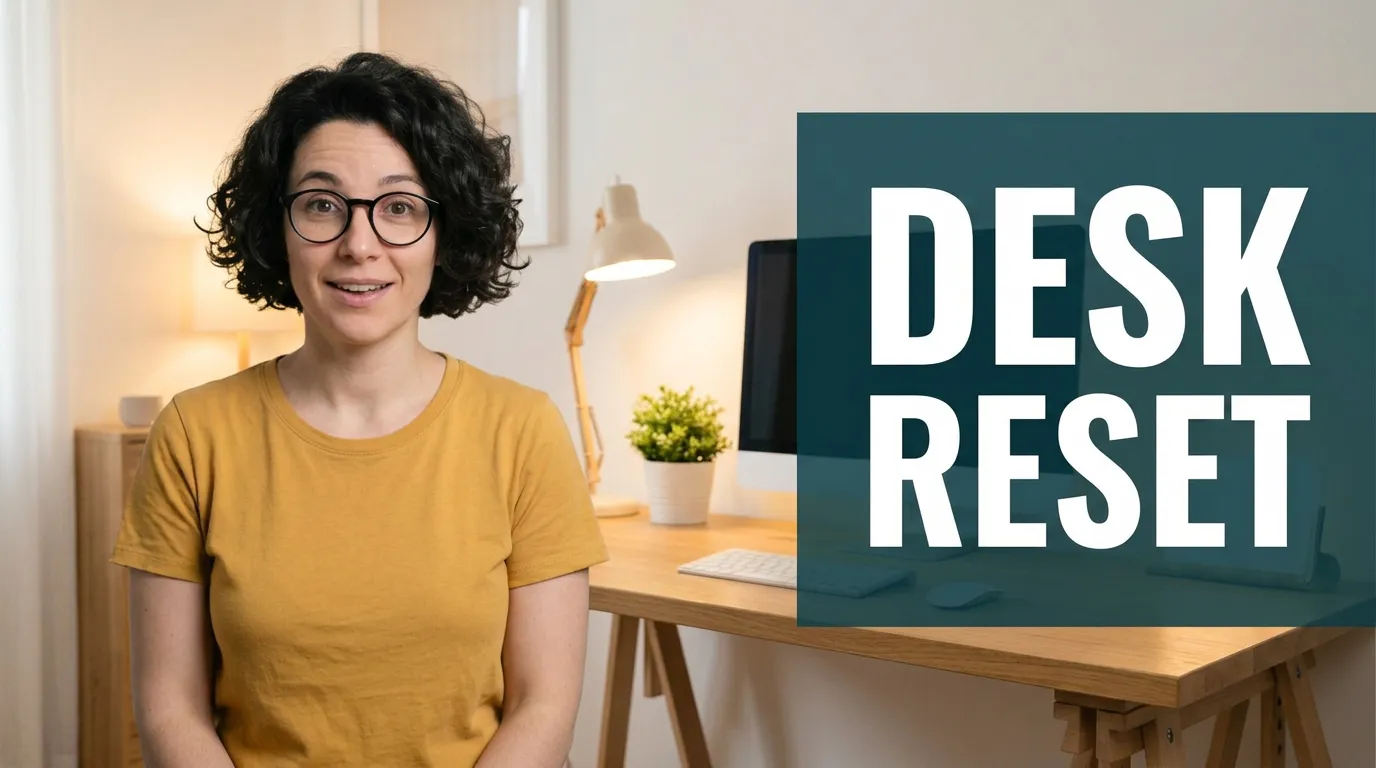 Image Editing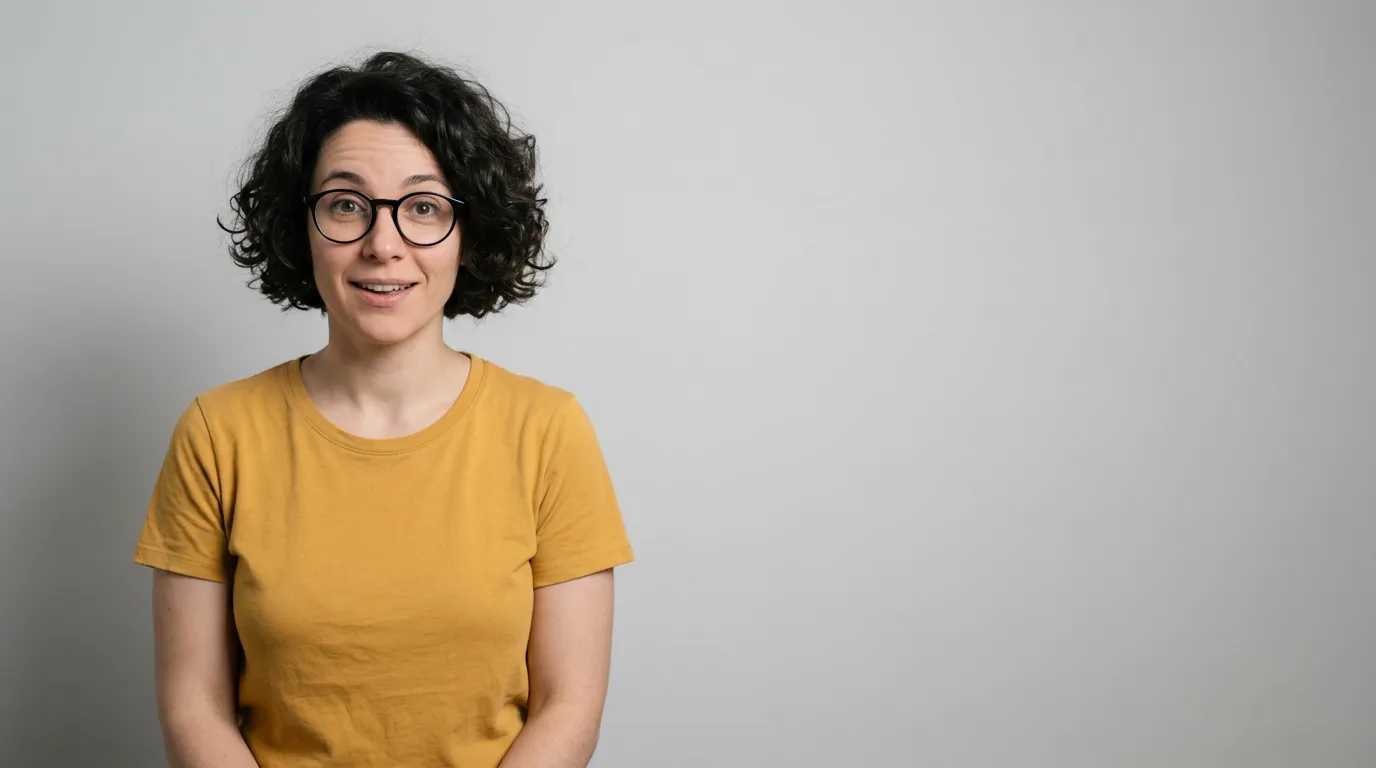
Check how a portrait, home-office background, and bold thumbnail headline work together.
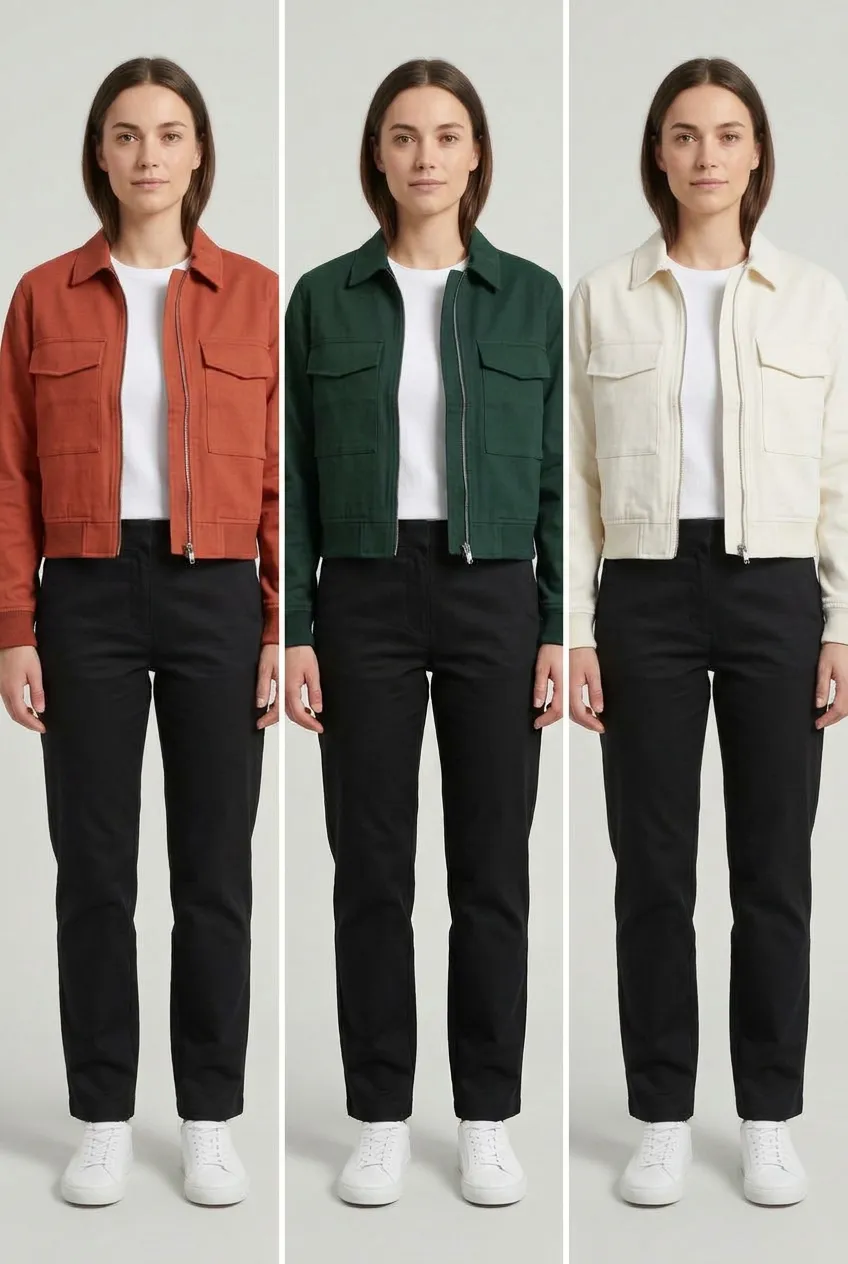 Image Editing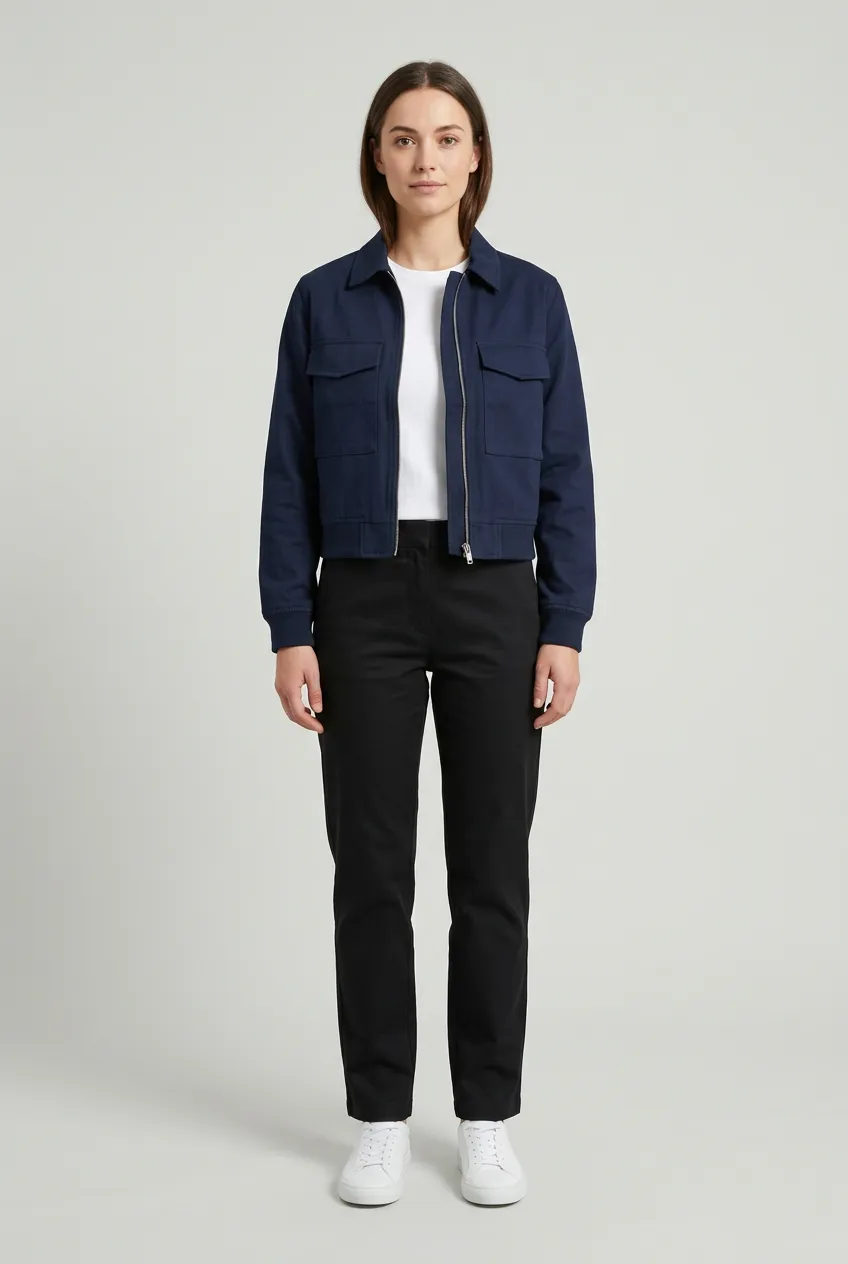
Compare three jacket colors while keeping the model, garment details, and lighting consistent.
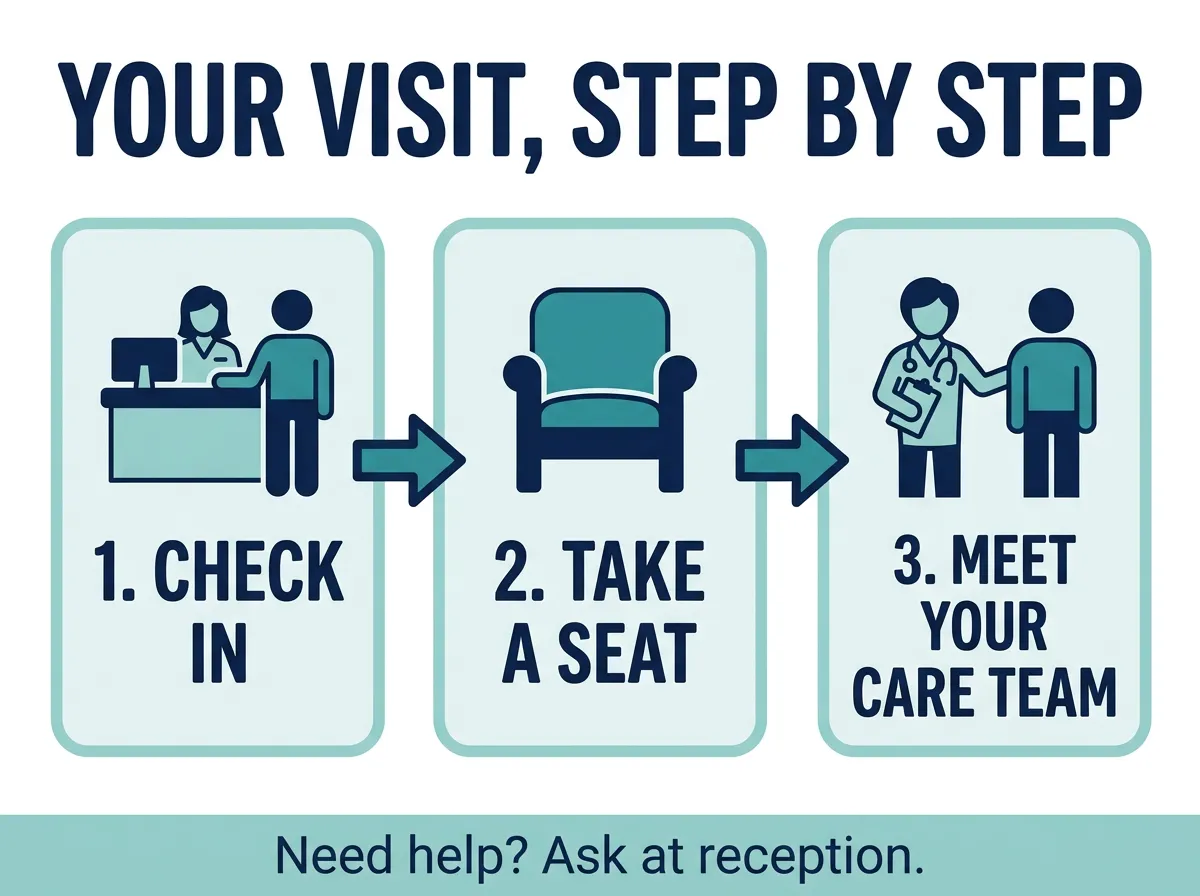 Text to Image
Inspect readable text, accessible icons, and a simple three-step layout.
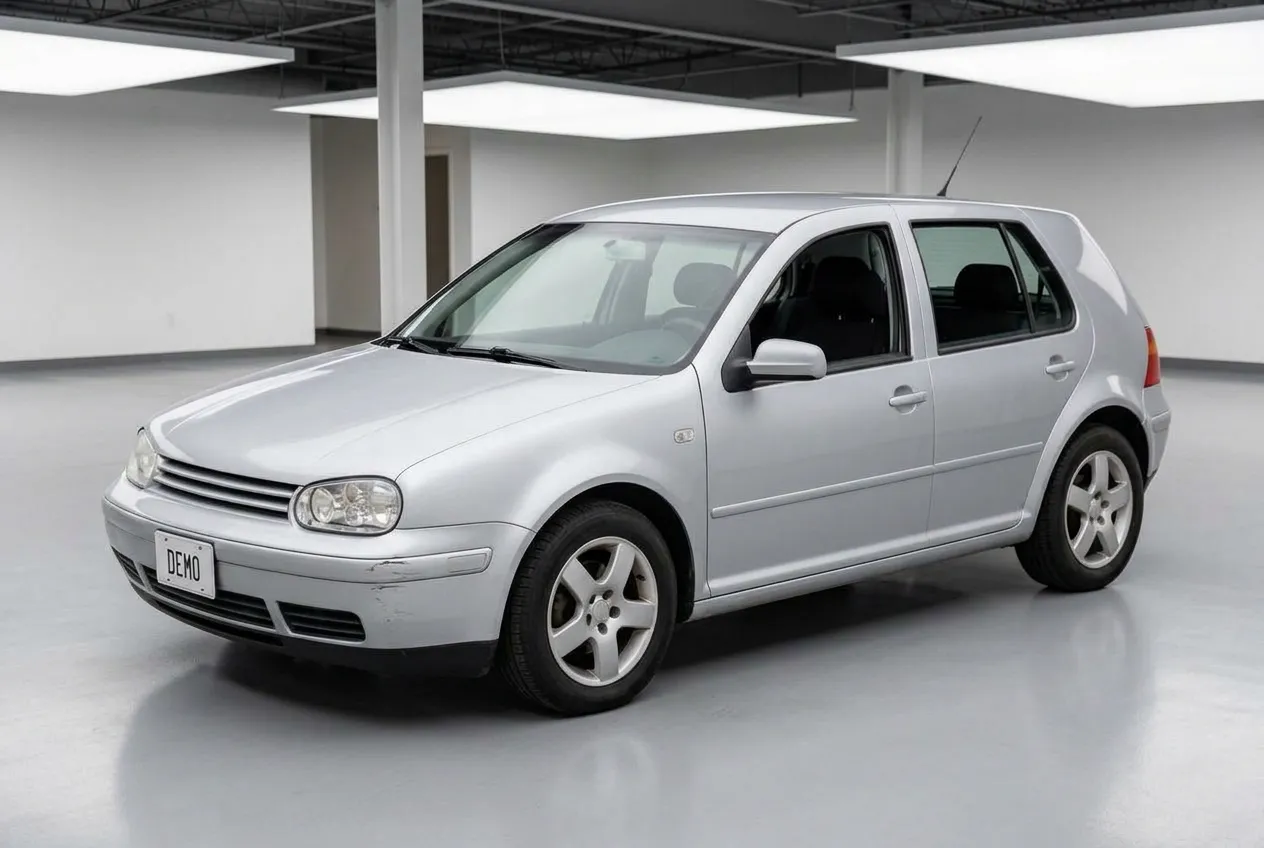 Image Editing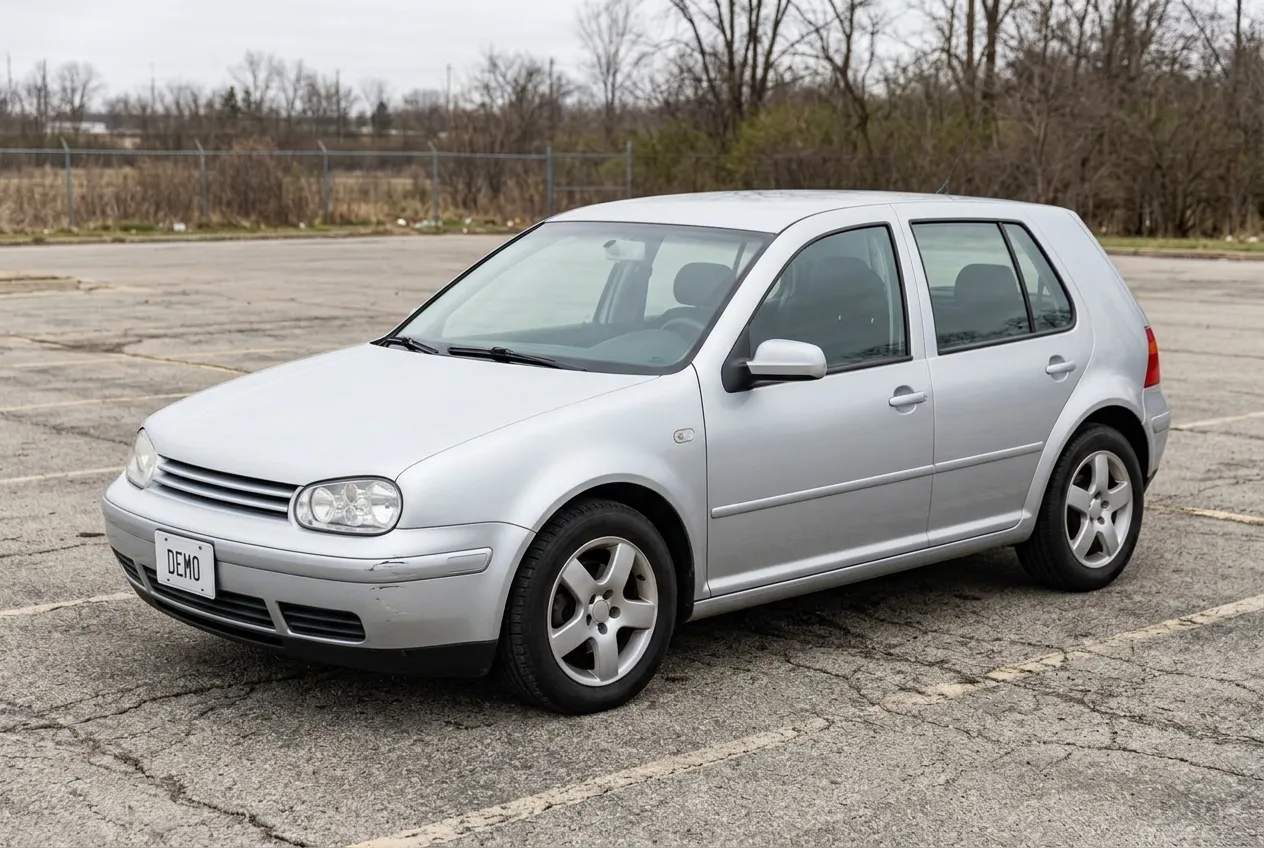
See a vehicle in a new showroom setting while retaining its condition and original details.
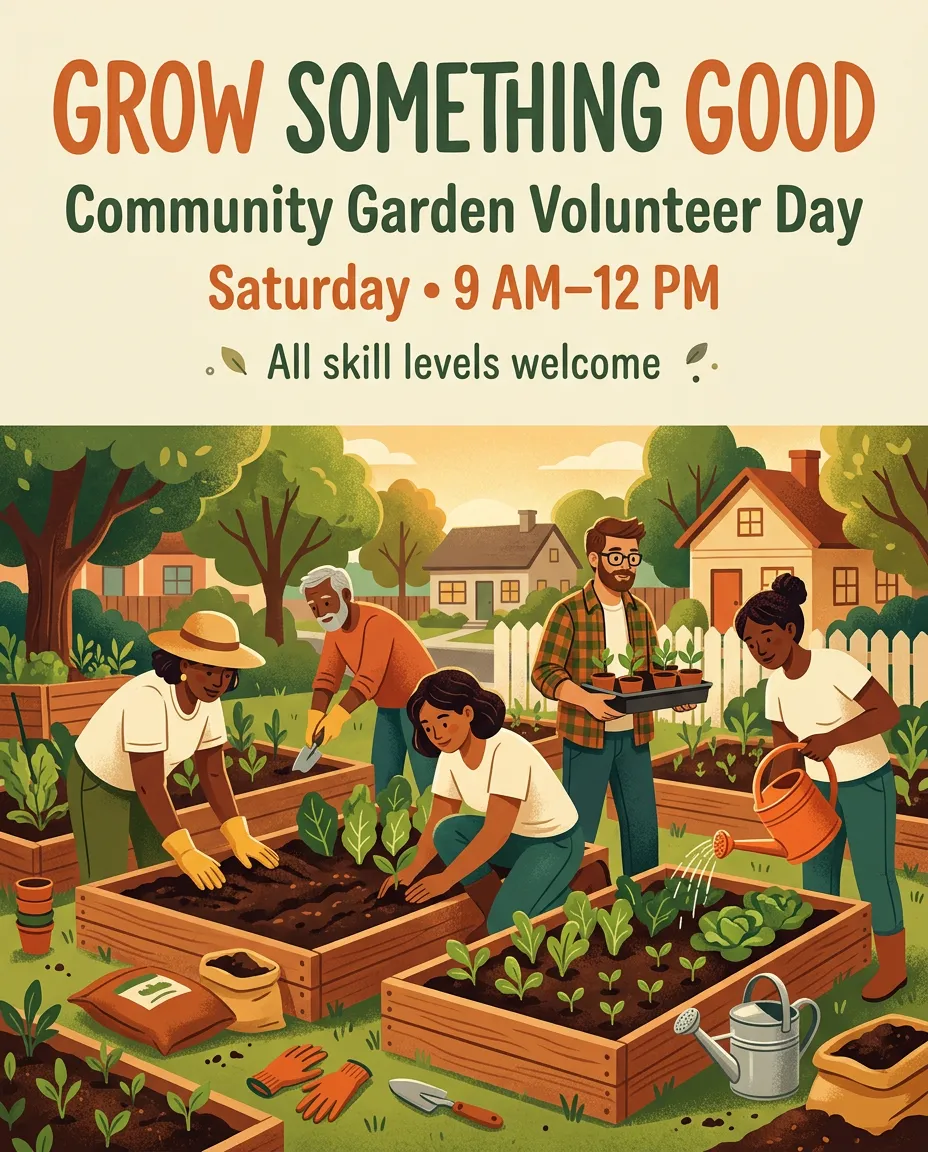 Text to Image
Explore an illustrated event poster with distinct text blocks and a welcoming community scene.
02 / Capabilities
Nano Banana 2.1 improves visual quality, prompt adherence, text rendering, and editing consistency, with more reliable wide-format output.
Create more natural-looking images with refined textures, lighting, and visual detail. Nano Banana 2.1 improves realism across 1K, 2K, and 4K output, helping your concepts look more polished.
Keep more of your creative brief in the result. Improved instruction following helps Nano Banana 2.1 handle detailed requirements for subjects, composition, and styling with fewer missed elements.
Bring greater clarity to text-heavy visuals. Enhanced text rendering and infographic layout accuracy help headlines, labels, and information blocks work together in a more readable design.
Refine a scene while keeping your character recognizable. Improved multi-turn consistency helps preserve appearance across successive changes, reducing visual drift as you develop an image.
Guide complex scenes with multiple visual references. Nano Banana 2.1 supports up to 14 reference images, with support for maintaining resemblance across up to four characters and fidelity across up to ten objects.
Build wide banners and tall compositions with fewer tiling artifacts. Nano Banana 2.1 addresses these artifacts in 1:4, 4:1, 1:8, and 8:1 formats at 2K and 4K resolution.
Ready to put these controls to work?
Try These Features04 / The workflow
Learn how to generate and edit images with Nano Banana 2.1, from adding prompts and references to choosing settings and downloading results.
Step 01
Choose Text to Image for a new visual, or Image Editing to modify an existing one. Add references when appearance, product details, or style matters.
Step 02
Select the resolution, aspect ratio, and output format. Use search options when needed, then check the credit cost before generating.
Step 03
Inspect faces, lettering, and product details. Revise your prompt or use the image as a reference for another edit, then download the version that fits.
Your next image starts with a prompt.
Start Generating05 / Made for your work
See where Nano Banana 2.1 fits into everyday industry workflows, with practical uses and prompting tips for generating more relevant images.
Create product listing images, lifestyle scenes, and promotional visuals from product photos.
Generation tip
Upload clear product references and specify the shape, color, materials, and label details to preserve. Describe the new setting and lighting separately.
Develop menu visuals, seasonal drink posters, and promotional concepts for cafés, restaurants, and hotels.
Generation tip
Describe ingredients, serving style, and atmosphere. Put required text in quotation marks and check that food images match the actual offering.
Create campaign concepts, social media graphics, and localized promotional materials.
Generation tip
Define the audience, brand colors, headline, and layout. Specify exact wording and ask for no additional text when the copy is fixed.
Explore virtual staging, furniture arrangements, and interior color concepts using room photographs.
Generation tip
Ask the model to preserve the camera angle, windows, doors, and room structure. Describe furniture placement and label listing images as virtually staged.
Develop outfit concepts, garment color variations, and collection mood boards.
Generation tip
Use garment and model references. Specify which colors or styling elements should change while preserving the cut, stitching, fabric texture, and pose.
Produce video thumbnails, article illustrations, and recurring character visuals.
Generation tip
Specify the publishing format, reserve space for headlines, and reuse the same references to guide appearance across related images.
06 / Answers
Find answers about Nano Banana 2.1 image generation, editing, credits, output resolution, reference uploads, and using this online tool.
Try Nano Banana 2.1Nano Banana 2.1 is Google’s image generation and editing model, updated from Nano Banana 2. It works with text prompts and reference images to create new visuals or modify existing ones.
Yes. Choose Text to Image to create a new visual, or Image Editing to upload an image and describe changes.
Check the current pricing and available credits before generating.
A 1K generation costs 1 credit, 2K costs 2 credits, and 4K costs 3 credits. The selected cost appears on the Generate Image button.
Yes. Select 4K in the resolution settings. Higher-resolution requests can take longer; inspect the result for your project needs.
You can add up to 14 reference images. The supported formats and maximum file size depend on the upload service.
Describe the change clearly and list the details to preserve. Use a clear source image, then inspect the result before another focused edit.
Nano Banana 2.1 is the efficiency-focused update to Nano Banana 2. Nano Banana Pro is positioned for professional asset production. Compare the same task across both models.
An error message appears with the task result. Review the prompt and images before trying again.
The output choices are JPG and PNG. Select your preferred format before generating.
No. This is an independent third-party tool website and is not affiliated with Google or Google DeepMind.
Use Nano Banana 2.1 to turn a text prompt into a new image or refine an uploaded photo. Choose your settings and start creating online.
Write your prompt, choose your settings, and see what you can create. Bring a result back into the editor and describe your next change.